

Klarna WebView - React Native
This guide will walk you through the steps required to add the Klarna WebView to your React Native app and how to use it.
8 min read
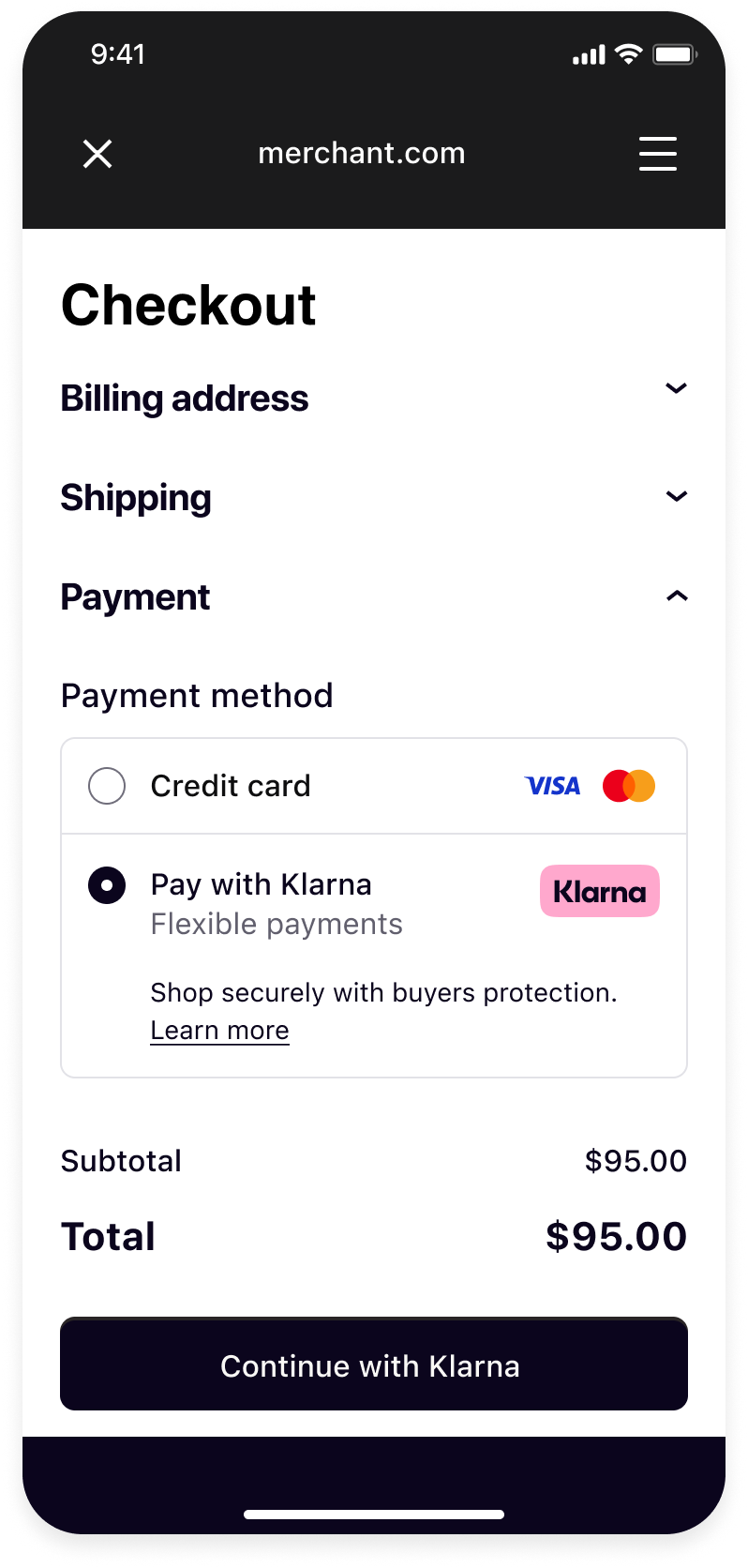 |  |  |
| Your checkout screen when Klarna is selected as payment method. | Klarna purchase flow starts when customer confirms to Continue with Klarna. | Your order confirmation screen after a successful payment. |
Integration Steps
- Prepare: Make sure you have a web checkout integrated with Klarna Payments.
- Set up your app (Mobile App): Set up return URL to your application.
- Present your web checkout (Mobile App): Present you web checkout using Klarna WebView from Mobile SDK.
Prepare
This guide will lead you through all the steps required to accept Klarna Payments in your mobile app using your web integration. At the end, you will be able to accept payments with Klarna with very few native changes.
This guide assumes that you already have a web checkout integrated with Klarna Payments and you intend to use it in your mobile application.
If you haven't done such web integration, we suggest you to check the web payments documentation.
Setup your app
Package Managers
NPM
If you want to add the SDK via
npm use the following to add library dependency:BASH
1
2
npm install react-native-klarna-inapp-sdk --save
Yarn
If you are using yarn, then use the following to add library dependency:
SHELL
1
2
yarn add react-native-klarna-inapp-sdk
For installing native dependencies for iOS, go to your
ios directory and run pod install.Android
You need to add a reference to the repository in your own app’s build.gradle which can be done by adding the lines between the comments below:
GROOVY
1
2
3
4
5
6
7
8
9
10
allprojects {
    repositories {
        ...
        // Required configuration to fetch native Android SDK
        maven {
            url 'https://x.klarnacdn.net/mobile-sdk/'
        }
    }
}
Return URL
Mobile SDK integrations might, at some point, open third-party applications. To automatically return the user, these third-party applications need to know how to build a return intent or URL.
To do that, you’ll need to provide the SDK with what we call the “Return URL” parameter. If you haven’t done so already, follow this documentation for Android and this documentation for iOS.
iOS
Return URL
Klarna purchase flows might require authorizations in other applications (e.g. bank apps) or do a handover to the Klarna app. In such cases, a return URL to your application ensures seamless return to the flow in your app, hence setting up a return URL is required. It is expected that redirects to this URL should only open your application without any changes in the UI state, ensuring the customer can continue the flow prior to external navigation.
You can set up a Return URL app scheme to your application by configuring a custom URL scheme.
Integration requirement
Important: The return URL string passed to Klarna must include
:/ after the scheme name. For example, if you defined myApp as the scheme, you must use "myApp:/ as the return URL argument to Klarna.To avoid a Klarna specific app scheme, you can use a host in a common scheme for Klarna redirects, e.g.
myApp:/ , this can allow you to differentiate and handle these redirect in your handler.Considering the return URL is a constant value in
Constants., you can handle redirects to your return URL as such:SWIFT
1
2
3
4
5
6
7
8
9
10
func scene(_ scene: UIScene, openURLContexts URLContexts: Set<UIOpenURLContext>) {
    guard let url = URLContexts.first?.url else {
        return
    }
    if (url.absoluteString.starts(with: Constants.klarnaReturnUrl.absoluteString)) {
        // This is a return URL for Klarna – skip deep linking
        return
    }
    // This was not a return URL for Klarna
}Klarna App URL Queries
Klarna flows on mobile utilize Application Queries for Klarna app schemes to offer seamless app handover experience to customers. In order for the SDK to check availability of the Klarna app, we need you to enable querying Klarna app on the device by adding Klarna app schemes to LSApplicationQueriesSchemes.
This can be configured easily in XCode by going to your project setting and under "Info"(alternatively this is also available in your
Info. file) you should see an entry list for Queried URL Schemes, this list should contain the klarna and klarnaconsent schemes:
Present your web checkout
Create Klarna WebView
After adding the required dependency you can import the
KlarnaStandaloneWebView component and use it like so:TYPESCRIPT
1
2
3
4
5
6
7
8
9
10
import {
KlarnaStandaloneWebView,
KlarnaWebViewKlarnaMessageEvent,
KlarnaWebViewError,
KlarnaWebViewNavigationEvent,
KlarnaWebViewProgressEvent,
KlarnaWebViewRenderProcessGoneEvent,
} from 'react-native-klarna-inapp-sdk';
const klarnaStandaloneWebViewRef = useRef<KlarnaStandaloneWebView>(null);In what follows we will go through all the props and methods of the
KlarnaStandaloneWebView component.| Param | Type | Description |
|---|---|---|
| returnUrl | String | App scheme URL as defined in set up to return from external applications. |
| overScrollMode | *always
| This is an optional Android-only prop that allows setting the over scroll mode of the web view. Default is always. |
| bounces | boolean | This is an optional iOS-only boolean prop that allows controlling whether the web view's scroll view bounces past the edge of content and back again. If not provided, the default value will be true. |
| style | ViewStyle | You can use it to style the KlarnaStandaloneWebView. |
| onLoadStart | function | This prop is an optional lambda that is called when KlarnaStandaloneWebView starts loading/reloading a URL. The lambda has an instance of type KlarnaWebViewNavigationEvent as its only parameter. |
| onLoadEnd | function | This prop is an optional lambda that is called when KlarnaStandaloneWebView finishes loading a URL. The lambda has an instance of type KlarnaWebViewNavigationEvent as its only parameter. |
| onLoadProgress | function | This prop is an optional lambda that is called when KlarnaStandaloneWebView is loading a URL. The lambda has an instance of type KlarnaWebViewProgressEvent as its only parameter. |
| onError | function | This is an optional lambda that is called when KlarnaStandaloneWebView fails to load a URL. The lambda has an instance of type KlarnaWebViewError as its only parameter. |
| onKlarnaMessage | function | This is an optional lambda that is called when KlarnaStandaloneWebView receives a message from a Klarna component. The lambda has an instance of type KlarnaWebViewKlarnaMessageEvent as its only parameter. |
| onRenderProcessGone | function | This is an optional Android-only prop that is called when KlarnaStandaloneWebView's process crashes or is killed by the OS. The lambda has an instance of type KlarnaWebViewRenderProcessGoneEvent as its only parameter. |
Load your checkout page
KlarnaStandaloneWebView is just like any other WebView component, thus you can easily load your web checkout or any other web page with it.TYPESCRIPT
1
2
klarnaWebViewRef.current.load("https://www.merchant.com/checkout") // Load your checkout page where Klarna Payments is integrated
Optional
Additional Methods
As previously mentioned, the
KlarnaStandaloneWebView can be perceived as a specialized WebView developed specifically for displaying Klarna-related content. Consequently, it inherits methods and properties from the standard WebView with the addition of some Klarna-specific methods and properties.In essence, this means that while the
KlarnaStandaloneWebView functions similarly to a typical WebView and maintains its functionality, it also includes certain distinct features that cater specifically to the Klarna content, enhancing its usability and performance within a Klarna context.WebView Methods and Properties
Below is a set of methods from the
KlarnaStandaloneWebView that are available:loadUrlreloadgoBackgoForward
What's next
Klarna Mobile SDK provides a full suite of mobile-first integrations, including Klarna products like:
.png) | .png) | .png) |
| Sign in with Klarna | On-site Messaging | Express Checkout |
- On-site Messaging: Show contextual messaging let your customers know about the available payment options in pre-checkout: click here to learn more.
- Sign in with Klarna: Seamlessly identify and let users login via their Klarna account: click here to learn more.
- Express Checkout: Accelerate your checkout process and boost conversion by offering a one-click checkout, click here to learn more (Mobile SDK support available soon).
Complete your integration with
Jump to section...