
Grant access via Deep Link
Implement the recommended access solution featuring two entry points: deep linking from your portal and an AP button on Klarna's login page. This complete package provides secure, passwordless access with the best user experience.
11 min read
Overview
The recommended approach for granting access to Klarna Partner Portal combines two entry points that work together as a complete solution:
The two entry points
| Entry Point | Description | Use Case |
|---|---|---|
| From Acquiring Portal | A button or link in your Partner-facing admin portal that uses the Deep Link API to provision access and redirect Partners directly to Klarna Partner Portal. | Partners already logged into your portal who want to access Klarna features. |
| From Klarna Partner Portal login | A button on Klarna Partner Portal's login page that redirects Partners to your authentication system, then provisions access via Deep Link API. | Partners starting their journey from Klarna Partner Portal or bookmarking Klarna Partner Portal directly. |
One JWT covers both entry points
Both entry points use the same Deep Link API and JWT signing mechanism. You only need to implement the JWT generation once to enable both entry points.
Prerequisites
Before implementing this solution, ensure you have completed the common prerequisites.
Additionally, you will need:
- Public-facing URL (for Klarna Partner Portal login) where Partners can authenticate
Integration requirement
Important: This method requires JWT signing with a client certificate. If you haven't completed the JWT setup yet, follow the JWT signing setup in the Overview page first.
Implementation steps
Follow these steps to implement both entry points:
Build and sign your JWT
After completing the JWT signing setup, create your JWT with the following structure:
Sample header
JSON
1
2
3
4
5
6
{
"alg": "ES256",
"typ": "JWT",
"x5c": ["<your_cert_base64>"]
}
Sample payload
JSON
1
2
3
4
5
6
7
8
9
10
{
"amr": ["pwd"],
"iss": "krn:partner:global:account:live:LYABCDEI",
"jti": "a4728c02-9885-41bf-b539-251ffa7f7eaa",
"sub": "portal.user@merchant.com",
"iat": 1716768000,
"exp": 1716768060,
"version": 2,
"on_behalf_of": "krn:partner:global:account:test:MB6KIE1P",
"accesses": [Integration requirement
Note: The
amr (authentication methods reference) field is required for deep linking. Use ["pwd"] to indicate password authentication is implemented on your side.Payload structure
The JWT uses payload
version: 2. Grant access through the accesses array (up to 100 entries) and set a single top-level on_ for the whole request.| Claim | Description |
|---|---|
version | Required. Payload version. Set to 2. |
on_ | Required. The Partner Account the user represents in Klarna Partner Portal. For a Partner accessing its own account, use that same Partner Account ID. When you act as an Acquiring Partner on behalf of the Partner Accounts you manage, use your own Partner Account ID. |
accesses | Required. List of access entries (1–100) to grant in a single request. |
accesses[]. | Required. The Partner Account the user gets access to. |
accesses[]. | Required. The roles to assign for that Partner Account. |
accesses[]. | Optional. An access policy that narrows which Payment Accounts the user can see within that Partner Account. It must belong to the entry's partner_. |
Granting access to multiple accounts
Add one entry to
accesses per Partner Account to grant a user access to several Partner Accounts in a single request. Use access_ on an entry to restrict visibility to a subset of that Partner Account's Payment Accounts; an access policy can only narrow access, never widen it.See the full JWT parameter documentation here .
.
.Entry Point 1: From Acquiring Partner Portal
This entry point allows Partners to access Klarna Partner Portal directly from your Partner-facing admin portal.
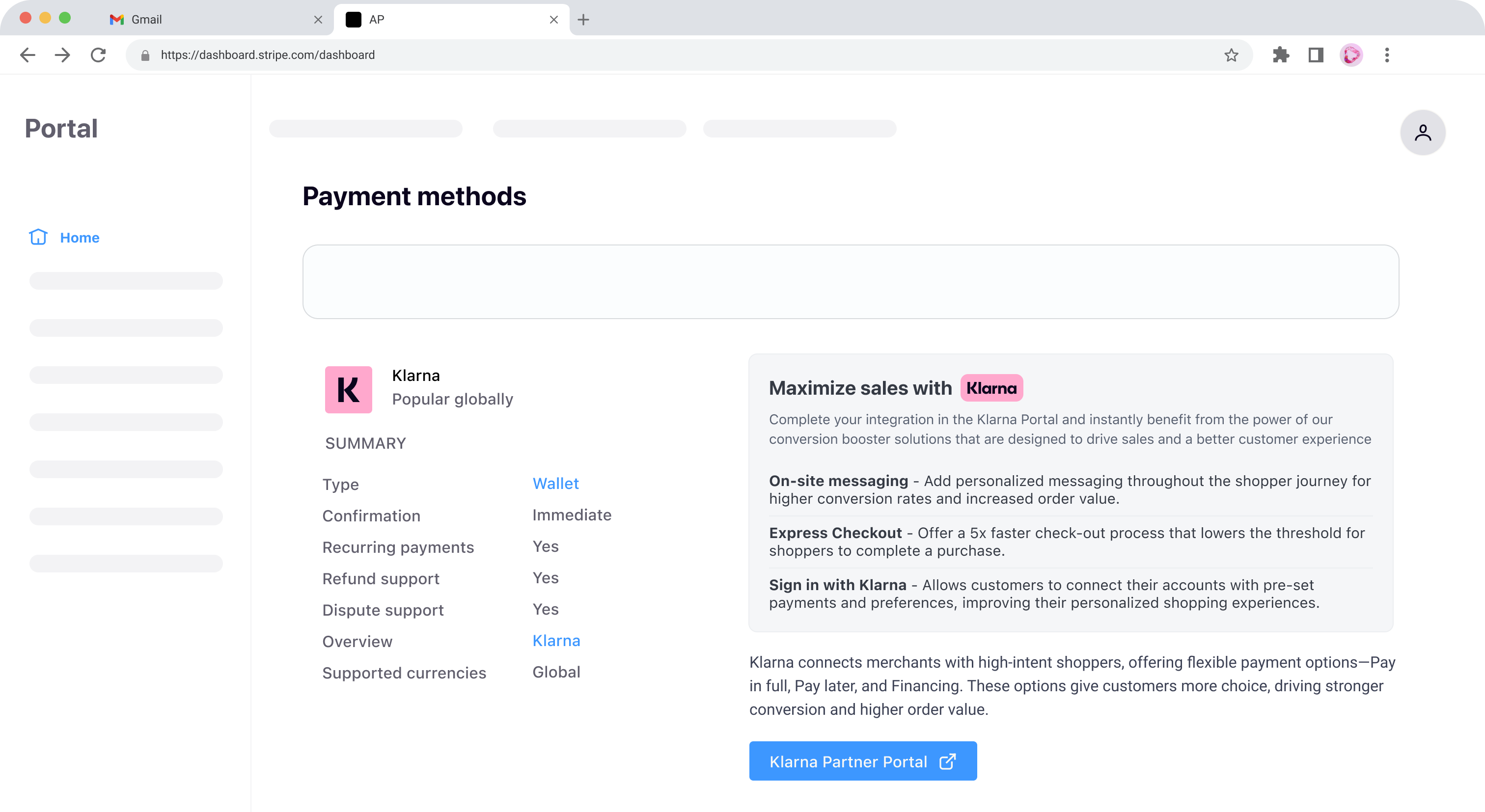
How it works
- 1.Partner clicks a button/link in your portal
- 2.Your system generates a signed JWT with the Partner's information
- 3.Your system calls the Deep Link API with the JWT
- 4.Your system redirects the Partner to the URL returned by the API
- 5.Partner accesses Klarna Partner Portal without password setup
Use the Create a deep link endpoint (createPortalDeepLink) for all new integrations. It grants a user access to one or more Partner Accounts in a single request through the
) for all new integrations. It grants a user access to one or more Partner Accounts in a single request through the accesses array, with an optional access policy per Partner Account.| Endpoint | When to use |
|---|---|
| Create a deep link (createPortalDeepLink) | Recommended. Grant a user access to one or more Partner Accounts in a single request through the accesses array, with an optional access policy per Partner Account. Also covers single-account access with one accesses entry. |
| Create account deep link (createDeepLink) | Deprecated. Grants a user access to a single Partner Account, set in the {partner_ path parameter with one set of roles. Use Create a deep link instead. |
Both endpoints accept either a signed JWT (recommended) or an unsigned JSON body, return the same response, and produce a one-time link that expires in 60 seconds.
On success, Create a deep link responds with
201 Created and Create account deep link responds with 200 OK, returning a JSON payload that includes a url property to use as the deep link.Important characteristics:
- One-time use: Each deep link can only be used once
- Expires in 60 seconds: Request a new link if not used immediately
- Session timeout: The session automatically stops after 8 hours of inactivity.
Integration requirement
Only request deep links when the Partner explicitly wants to enter Klarna Partner Portal. Deep links may only be generated for accounts onboarded via your services.
Create a deep link
The createPortalDeepLink endpoint grants access to one or more Partner Accounts in a single call, using the JWT you built above.
endpoint grants access to one or more Partner Accounts in a single call, using the JWT you built above.Request payload:
JSON
1
2
3
4
{
"jwt": "eyJhbGciOiJIUzI1NiIsInR5cCI6IkpXVCJ9.eyJzdWIiOiIxMjM0NTY3ODkwIiwibmFtZSI6IkpvaG4gRG9lIiwiaWF0IjoxNTE2MjM5MDIyfQ.<....>SMeKKF2QT4fwpMeJf36POk6yJV_adQssw5c"
}
sequenceDiagram
participant A as User
participant B as Acquiring Partner
participant C as Management API
participant D as Klarna Portal
A->>B: User clicks "Go to Klarna"
B->>C: Creates short lived deep-link URL
alt Signed request (JWT) - Klarna will require 2FA only for the User to log in
Note over B,C: POST /v2/portal/deep-links <br/> <<Signed JSON Web Token (JWT)>>
else Unsigned request - Klarna will require both password and 2FA to log in
note over B,C: POST /v2/portal/deep-links <br/> {<br/>"subject": "john.doe@example.com",<br/>"on_behalf_of": "krn:...",<br/>"accesses": [{<br/>"partner_account_id": "krn:...",<br/>"roles": ["merchant:admin"]<br/>}]<br/>}
end
B -->>C: 201
note over B,C: {<br/>"url": "https://auth.eu.portal.klarna.com/..."<br/>}
B -->>A: 201
note over A,B: {<br/>"url": "https://auth.eu.portal.klarna.com/..."<br/>}
A ->>D: User is redirected to the Klarna Portal
Create account deep link
Integration requirement
Deprecated: The account deep link endpoint (createDeepLink) is deprecated. Use Create a deep link instead, which covers single-account access with a single
) is deprecated. Use Create a deep link instead, which covers single-account access with a single accesses entry.The createDeepLink endpoint grants access to a single Partner Account, identified by the
endpoint grants access to a single Partner Account, identified by the {partner_ path parameter. Use it when you provision access to one Partner Account at a time.For the signed flow, build a JWT with these claims:
| Claim | Description |
|---|---|
iss | Required. Partner Account ID of the requesting Partner. |
jti | Required. Unique token ID. We recommend a UUID. |
sub | Required. Email of the user to grant access to. |
iat | Required. Issued-at timestamp, in seconds since the Unix epoch. |
exp | Required. Expiry timestamp, in seconds since the Unix epoch. No more than 60 seconds after iat. |
amr | Required. Authentication methods implemented on your side, e.g. ["pwd"]. |
account_ | Required. The Partner Account the user gets access to. |
on_ | Optional. The Partner Account the user represents. Defaults to account_. |
roles | Required. The roles to assign. |
deeplink_ | Optional. Forward the token Klarna adds to your Klarna Access Provision URL. |
If you can't sign a JWT, send the same details in an unsigned body instead:
JSON
1
2
3
4
5
6
{
  "subject": "john.doe@example.com",
  "roles": ["merchant:admin"],
  "on_behalf_of": "krn:partner:global:account:live:LYABCDEI"
}
Single-account scope only
Unlike Create a deep link, this endpoint grants access to one Partner Account per request and doesn't accept the
accesses array or per-entry access policies.Deep link access can be revoked at any time between its creation and session expiration (8 hours after generation).
When to revoke
- Unused Links: Revoke a deep link if it will not be utilized
- Security Concerns: Revoke access to terminate a user's ability to access Klarna Partner Portal
How to revoke
Make a DELETE request using the deletePortalDeepLink endpoint:
endpoint:{deep_: The unique identifier received when creating the deep linklink_ id}
Integration requirement
The account-scoped deleteDeepLink endpoint is deprecated. Use deletePortalDeepLink instead.
endpoint is deprecated. Use deletePortalDeepLink instead.Deep link revocation timing
When a deep link is revoked, the user will lose access to the Partner Account after, at most, 5 minutes.
Entry Point 2: From Klarna login Portal
This entry point displays a "Continue with [Acquiring Partner]" button on Klarna Partner Portal's home screen. When Partners click this button, they are redirected to your authentication system.
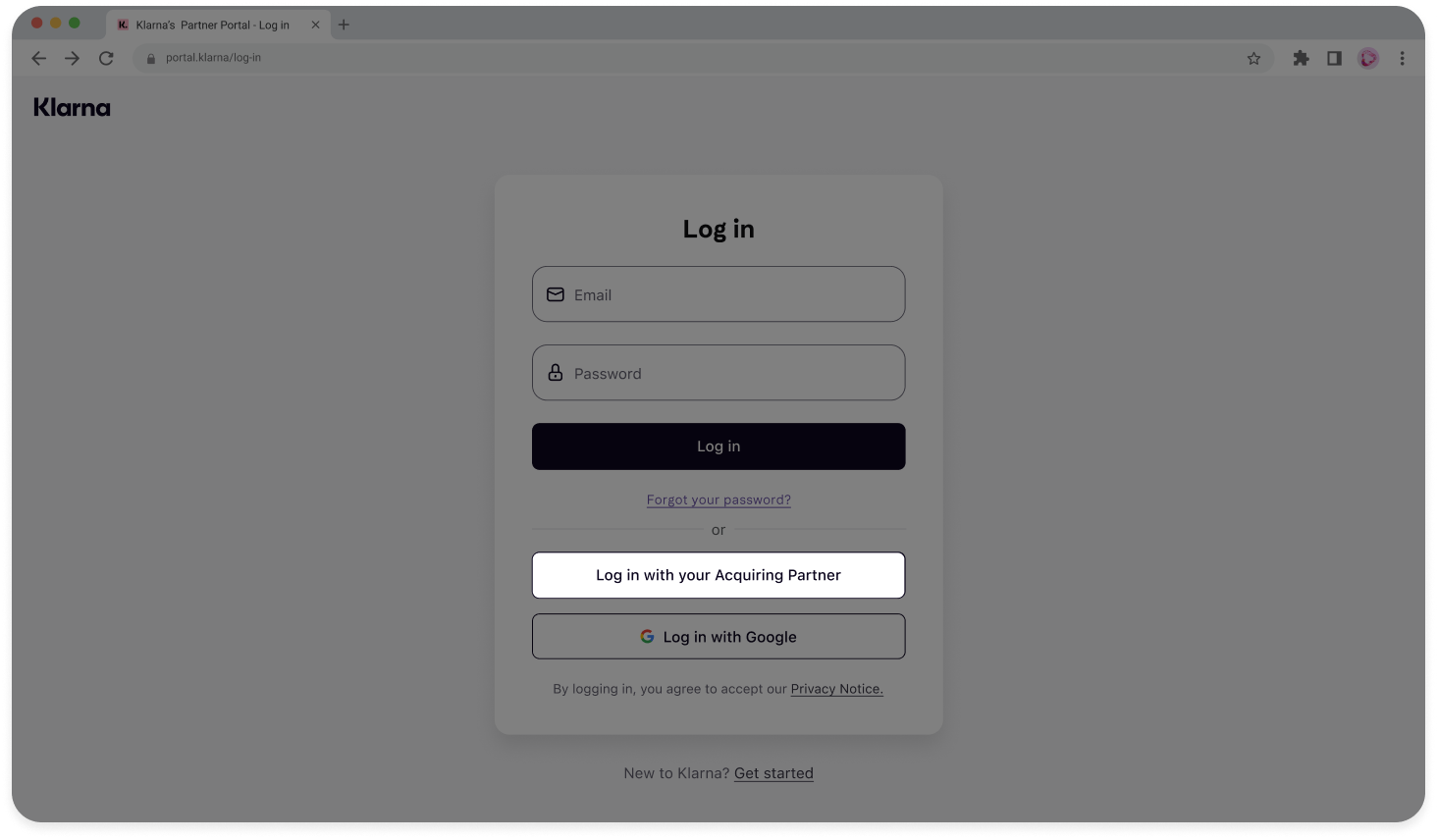
How it works
- 1.Partner visits Klarna Partner Portal login page
- 2.Partner clicks "Continue with [Acquiring Partner]" button
- 3.Klarna redirects Partner to your Klarna Access Provision URL with a
deeplink_session_ token - 4.Your system authenticates the Partner (if not already logged in)
- 5.Your system generates a signed JWT and calls the Deep Link API, including the
deeplink_session_ token - 6.Your system redirects the Partner to Klarna Partner Portal using the URL from the Deep Link API response
Create a publicly accessible URL where Partners can authenticate and receive Klarna Partner Portal access. This URL should:
- Prompt Partners to login if not already authenticated
- Leverage your existing identity and access management solutions
- Handle the
deeplink_query parameter added by Klarnasession_ token
Sample URL format:
HTTP
1
2
https://partner.example.com/login?source=klarna&deeplink_session_token=eyJhbGciOiJIUzUxMiIsInR5cCIgOiAiSldUIiwia2lkIiA6ICIzNTQ2N2RlZi1iYzRj
Provide this URL to your designated Klarna technical point of contact. Klarna will configure it in the "Continue with [Acquiring Partner]" button.
Upon successful authentication:
- Extract the
deeplink_from the query parameterssession_ token - Generate your signed JWT (same process as Entry Point 1)
- Call the createPortalDeepLink endpoint with the JWT, including the
deeplink_from Klarnasession_ token - Redirect the Partner to the URL returned by the Deep Link API
sequenceDiagram
participant A as User
participant B as Klarna Portal
participant C as Acquiring Partner Portal
participant D as Management API
A->>B: User clicks "Continue with Acquiring Partner" button
B->>A: Redirect to AP's Klarna Access Provision URL<br/> with {deeplink_session_token}
A->>C: Load Klarna Access Provision URL
opt If the user is not already authenticated with the Acquiring Partner system
A->>C: Enter credentials
C->>C: Authenticates
end
C->>D: Creates short lived deep-link URL
alt Signed request (JWT) - Klarna will require 2FA only for the User to log in
Note over C,D: POST /v2/portal/deep-links <br/> <<Signed JSON Web Token (JWT)>>
else Unsigned request - Klarna will require both password and 2FA to log in
note over C,D: POST /v2/portal/deep-links <br/> {<br/>"subject": "john.doe@example.com",<br/>"on_behalf_of": "krn:...",<br/>"accesses": [{<br/>"partner_account_id": "krn:...",<br/>"roles": ["merchant:admin"]<br/>}],<br/> "deeplink_session_token": "<<deeplink_session_token>>"<br/>}
end
D -->>C: 201
note over C,D: {<br/>"url": "https://auth.eu.portal.klarna.com/..."<br/>}
C -->>A: 201
note over A,C: {<br/>"url": "https://auth.eu.portal.klarna.com/..."<br/>}
A ->>B: User is redirected to the Klarna Portal
Continue with Acquiring Partner button
Following these steps will enable the "Continue with [Acquiring Partner]" button on Klarna Partner Portal's login screen and ensure a secure and streamlined login experience for Partners.
Unsigned deep linking (not recommended)
If you cannot implement signed JWT deep linking due to technical constraints, unsigned deep linking is available as a fallback.
Recommended for integration
Not Recommended: This approach requires users to set up a password when accessing Klarna Partner Portal, adding an additional step that degrades user experience. Only use this if signed deep linking cannot be implemented.
With unsigned deep linking:
- You call the Deep Link API without providing a JWT
- You provide the user's email address (
subject), the top-levelon_, and thebehalf_ of accessesarray directly - MFA is enforced within Klarna Partner Portal (instead of your portal)
- Users must set up a password on first access
For unsigned deep linking parameters, see createPortalDeepLink .
.Jump to section...