

Sign in with Klarna integration prerequisites
Enable a one-click experience, increasing account registrations, (unrivaled access to consented customer data) and improving conversion rates.
4 min read
Overview
Sign in with Klarna is a fast, secure authentication solution that lets users log in with their Klarna credentials, removing friction from sign-up and login experiences. Designed to boost conversion and trust, it allows merchants to offer one-click access while leveraging Klarna's verified user base.
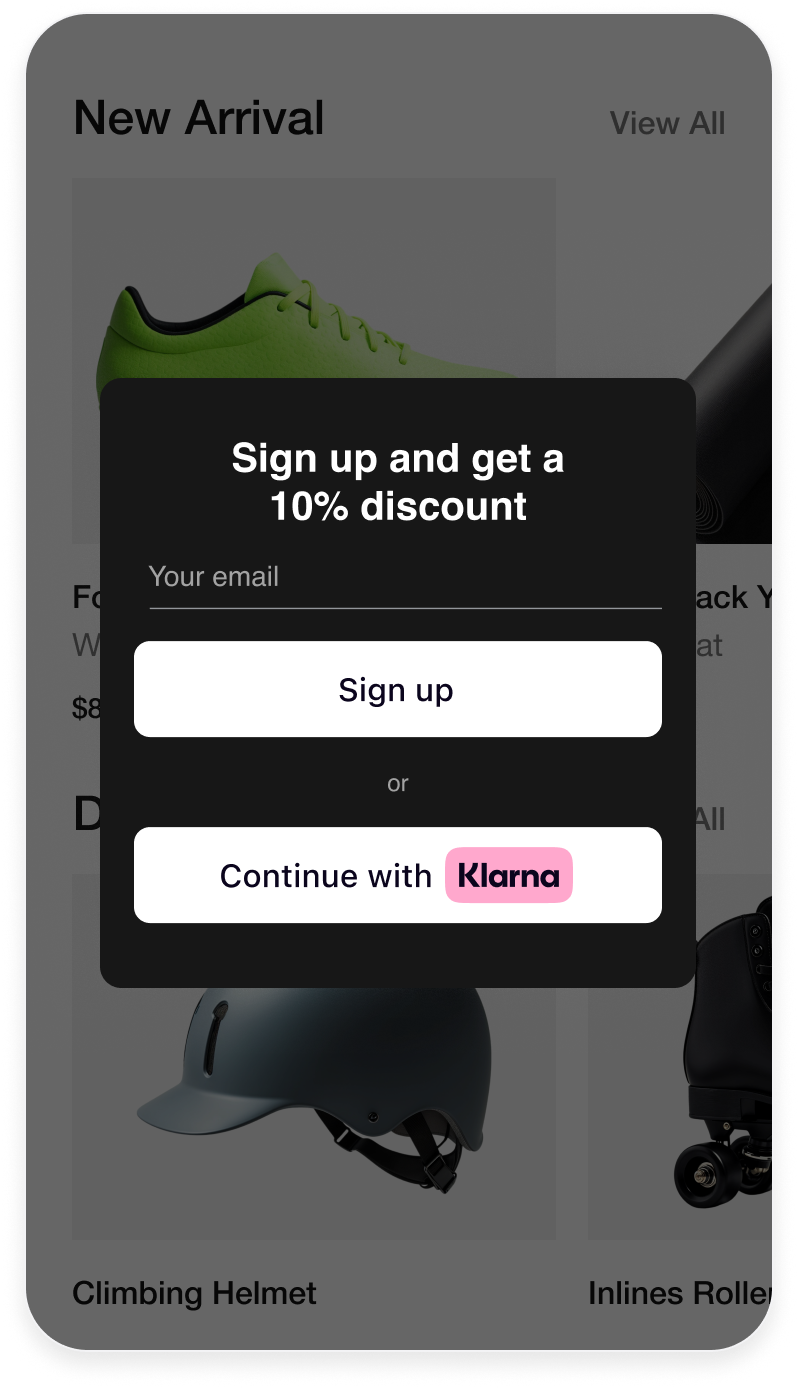
Benefits include:
- Faster Onboarding: One-tap sign-in reduces drop-offs and improves UX.
- Higher Conversion: Simplifies access, increasing completed purchases.
- Trusted Verification: Klarna's secure, verified identities support safer interactions.
- Privacy-First: Built with strong security and GDPR compliance.
- Personalization: Enables better customer engagement from day one.
With Sign in with Klarna, Partners can deliver a seamless experience while building stronger customer relationships from the first interaction.
Before starting the integration
A Klarna payment solution must already be in place before integrating any Boost feature.
1. Access the Klarna Partner Portal
Verify that access to the Klarna Partner Portal is available.
2. Go to the Sign in with Klarna app
Sign in with Klarna integration starts in the app.
- 1.Go to the Boost features tab.
- 2.Open the Sign in with Klarna app, select a "Store" from the dropdown menu, and click Get started.
3. Configure the setup
Once in the app, complete the following fields to ensure proper configuration:
- 1.Ensure the name of the Store is correct. If not, review the branding information by clicking on the "Manage Brand" link.
- 2.Provide links to the site's Terms and Conditions, and Privacy Policy. Klarna will use them when displaying the consent screen.
- 3.Add the URLs of all pages where customers should be redirected after they have signed in. For a mobile integration, provide the app's URL scheme.
- 4.Specify the required and optional data needed from the customer to create an account.
4. Select the Client Type
Choose the correct Client Type based on the integration method:
- Confidential: When integrating Sign in with Klarna with a Customer Identity Cloud Provider (for example, Auth0, Google Firebase).
- Public: When using a Klarna plugin or integrating directly via WebSDK.
5. Client identifier
After saving the configuration, the Installation page is displayed, showing the client identifier.
The client identifier can also be generated or retrieved via the Settings app:
- 1.Go to Settings → Client Identifiers.
- 2.When multiple MIDs are managed under the same user, select the correct MID from the "Store" dropdown at the top.
- 3.Click Generate. A new screen appears displaying the client identifier; copy it now.
- 4.(To retrieve this identifier again later, return to Settings → Client Identifiers, select the correct MID, and click the "copy" icon in the identifiers table.)
5. Generate API key
Ensure the API keys are available for the integration:
- 1.Go to Settings → Klarna API keys.
- 2.When multiple MIDs are configured, select the correct one from the "Store" dropdown.
- 3.Click + Generate new Klarna API key. A new screen appears displaying the API keys; copy them now. They can only be accessed once, so downloading them is essential.
6. Add Web SDK Terms and Conditions
When integrating the Klarna Web SDK on a website, for example to enable Klarna's conversion features or other similar features, the Partner is responsible for informing users about the tracking technologies employed. This information must be provided prior to any tracking taking place, for instance via a cookie banner or similar mechanism.
The Partner must disclose both strictly necessary tracking technologies and any specific technologies used by the Klarna Web SDK, including details such as name, purpose, provider, use of local storage, and retention period.
The wording below can be used as is, or adapted to align with the Partner's existing cookie banner or privacy policy, provided the information remains complete, accurate, and compliant with applicable laws:
Strictly necessary cookies are necessary for the website to function and cannot be switched off in our systems. They are usually only set in response to actions made by the user which amount to a request for services, such as setting privacy preferences, logging in, or filling in forms. For the purpose of ensuring service security and prevention of fraud, device fingerprints are also collected, including, but not limited to, browser name, IP address, time zone, and language preference and service availability.
| Name | Purpose | Supplier (First/Third) | Session/Persistent/Local | Expiry |
|---|---|---|---|---|
| __klarna_sdk_klarna-shopping-session | This cookie is used to ensure service security, service availability, and to prevent fraud. | Third party | Local storage | 48h |
| __klarna_sdk_config | This cookie is used to:
| Third party | Session | Until you close your browser |
Jump to section...