

Express checkout integration prerequisites
Offer a checkout process that is 6x faster, significantly lowering the threshold for customers to complete a purchase.
4 min read
Overview
Express checkout is a streamlined, fast-checkout solution designed to optimize the online shopping experience by minimizing friction during the purchase process. It enables customers to complete purchases with fewer steps and significantly less time, especially for returning Klarna users who have previously shopped with Klarna or are logged in.
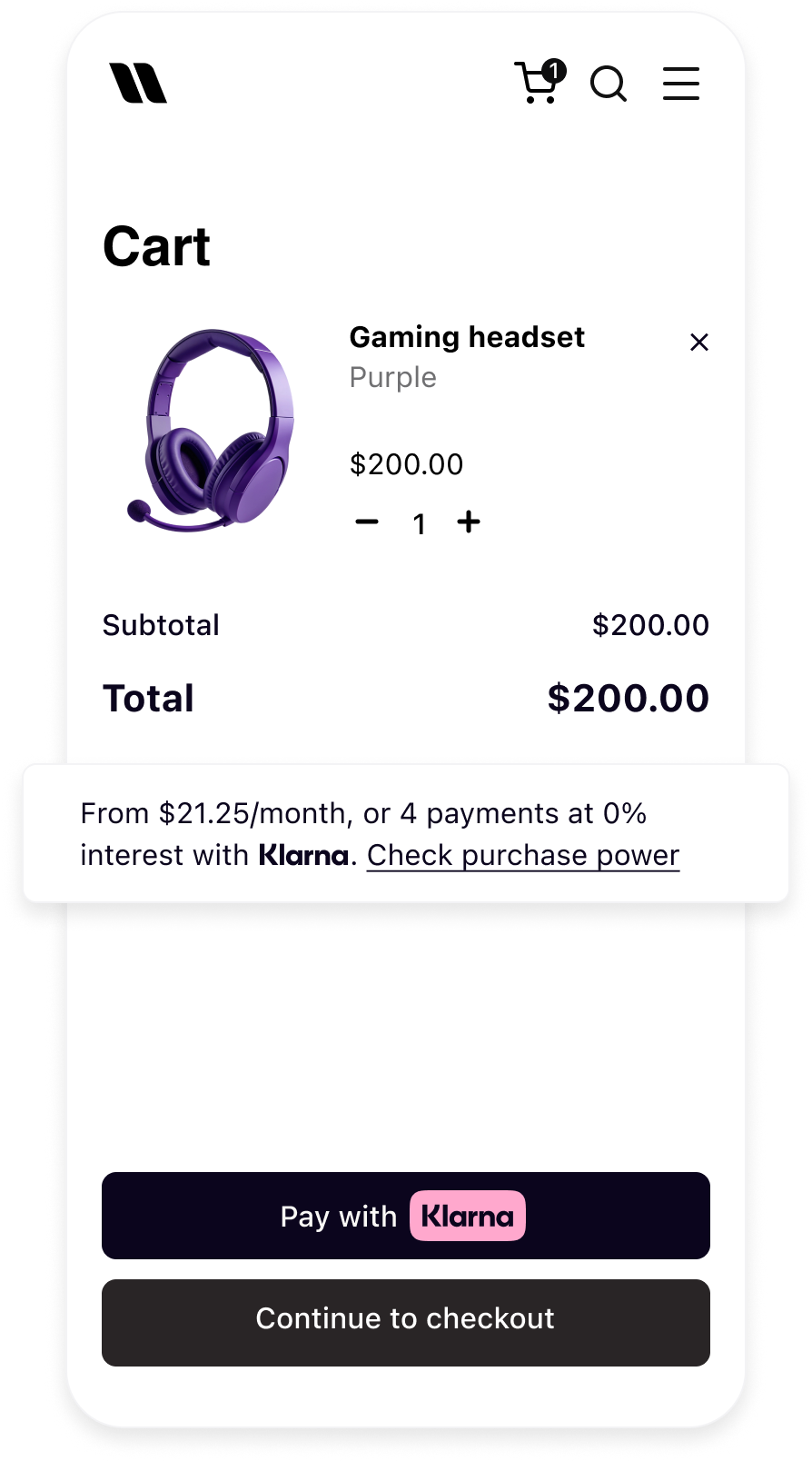
With Express checkout, customers can easily select their shipping address and preferred shipping method directly within the Klarna review page, enabling customers to checkout with one click. Returning Klarna customers can shop confidently on the Partner's store thanks to the familiar Klarna payment button and a brand they know and trust.
Before starting the integration
A Klarna payment solution must already be in place before integrating any Boost feature.
1. Access the Klarna Partner Portal
Verify that access to the Klarna Partner Portal is available.
2. Create the client identifier
When integrating Klarna's Boost features using the Web SDK, a
client identifier is required. To generate one:- 1.Go to Settings → Client Identifiers.
- 2.When multiple MIDs are managed under the same user, select the correct MID from the "Store" dropdown at the top.
- 3.Click Generate. A new screen appears displaying the client identifier; copy it now.
- 4.(To retrieve this identifier again later, return to Settings → Client Identifiers, select the correct MID, and click the "copy" icon in the identifiers table.)
3. Allowlist the domain
Each origin domain where the Web SDK is deployed must be registered before using the client identifier:
- 1.Go to Settings → Client Identifiers.
- 2.When multiple MIDs are configured, select the correct one from the "Store" dropdown.
- 3.Click the Allowed origins tab.
- 4.Add the URL(s). At least one origin must be registered to activate the client identifier.
Alternatively, allowed origins can also be added directly within each Boost feature section.
4. Generate API key
Ensure the API keys are available for the integration:
- 1.Go to Settings → Klarna API keys.
- 2.When multiple MIDs are configured, select the correct one from the "Store" dropdown.
- 3.Click + Generate new Klarna API key. A new screen appears displaying the API keys; copy them now. They can only be accessed once, so downloading them is essential.
5. Add Web SDK Terms and Conditions
When integrating the Klarna Web SDK on a website, for example to enable Klarna's conversion features or other similar features, the Partner is responsible for informing users about the tracking technologies employed. This information must be provided prior to any tracking taking place, for instance via a cookie banner or similar mechanism.
The Partner must disclose both strictly necessary tracking technologies and any specific technologies used by the Klarna Web SDK, including details such as name, purpose, provider, use of local storage, and retention period.
The wording below can be used as is, or adapted to align with the Partner's existing cookie banner or privacy policy, provided the information remains complete, accurate, and compliant with applicable laws:
Strictly necessary cookies are necessary for the website to function and cannot be switched off in our systems. They are usually only set in response to actions made by the user which amount to a request for services, such as setting privacy preferences, logging in, or filling in forms. For the purpose of ensuring service security and prevention of fraud, device fingerprints are also collected, including, but not limited to, browser name, IP address, time zone, and language preference and service availability.
| Name | Purpose | Supplier (First/Third) | Session/Persistent/Local | Expiry |
|---|---|---|---|---|
| __klarna_sdk_klarna-shopping-session | This cookie is used to ensure service security, service availability, and to prevent fraud. | Third party | Local storage | 48h |
| __klarna_sdk_config | This cookie is used to:
| Third party | Session | Until you close your browser |
Jump to section...