

WooPayments
This article provides guidelines on enabling Klarna in WooPayments.
2 min read
In order to enable Klarna via WooPayments, you must first have signed up for and installed WooPayments.
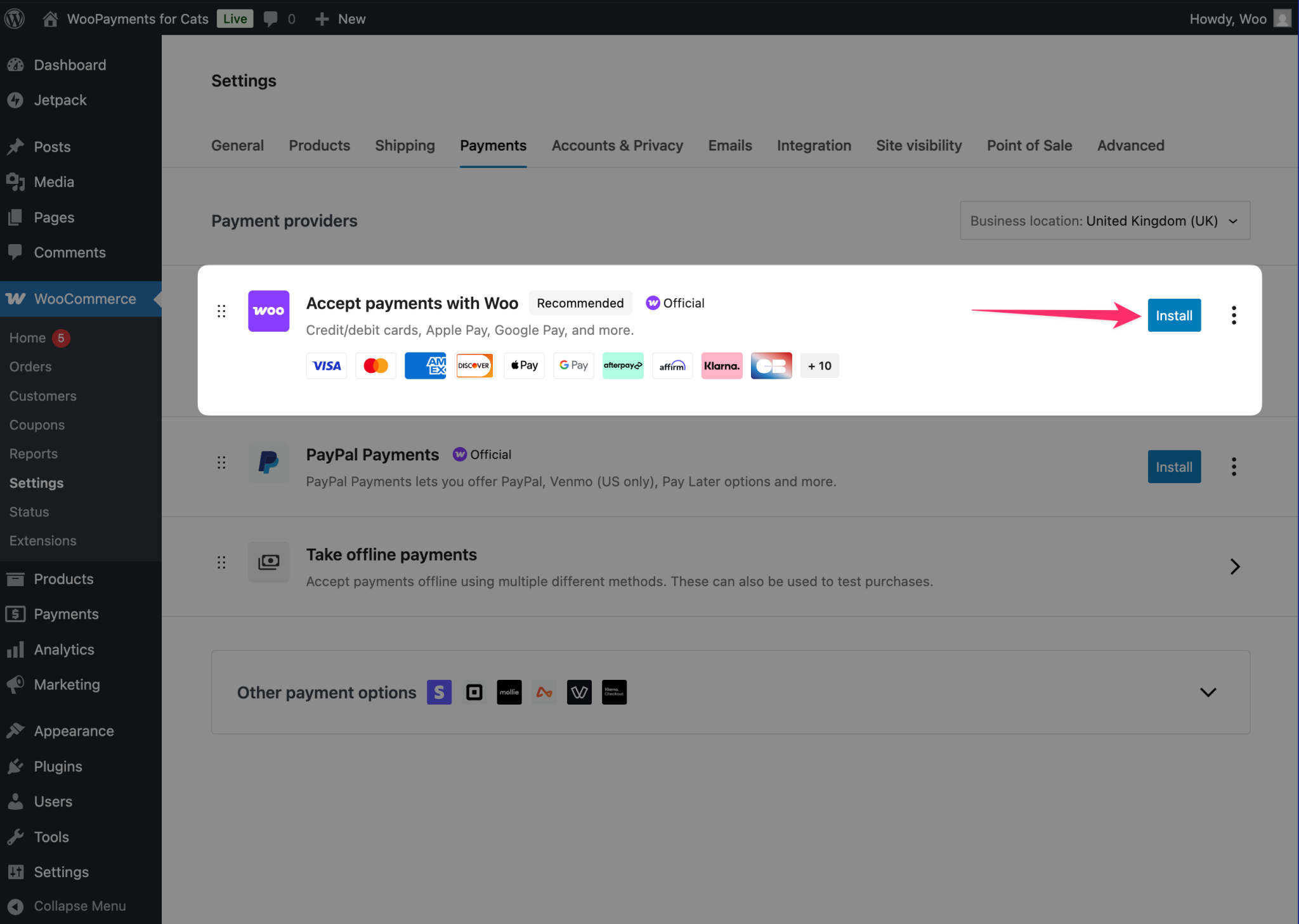
Installing WooPayments
You can read more about WooPayments here.
Enabling Klarna
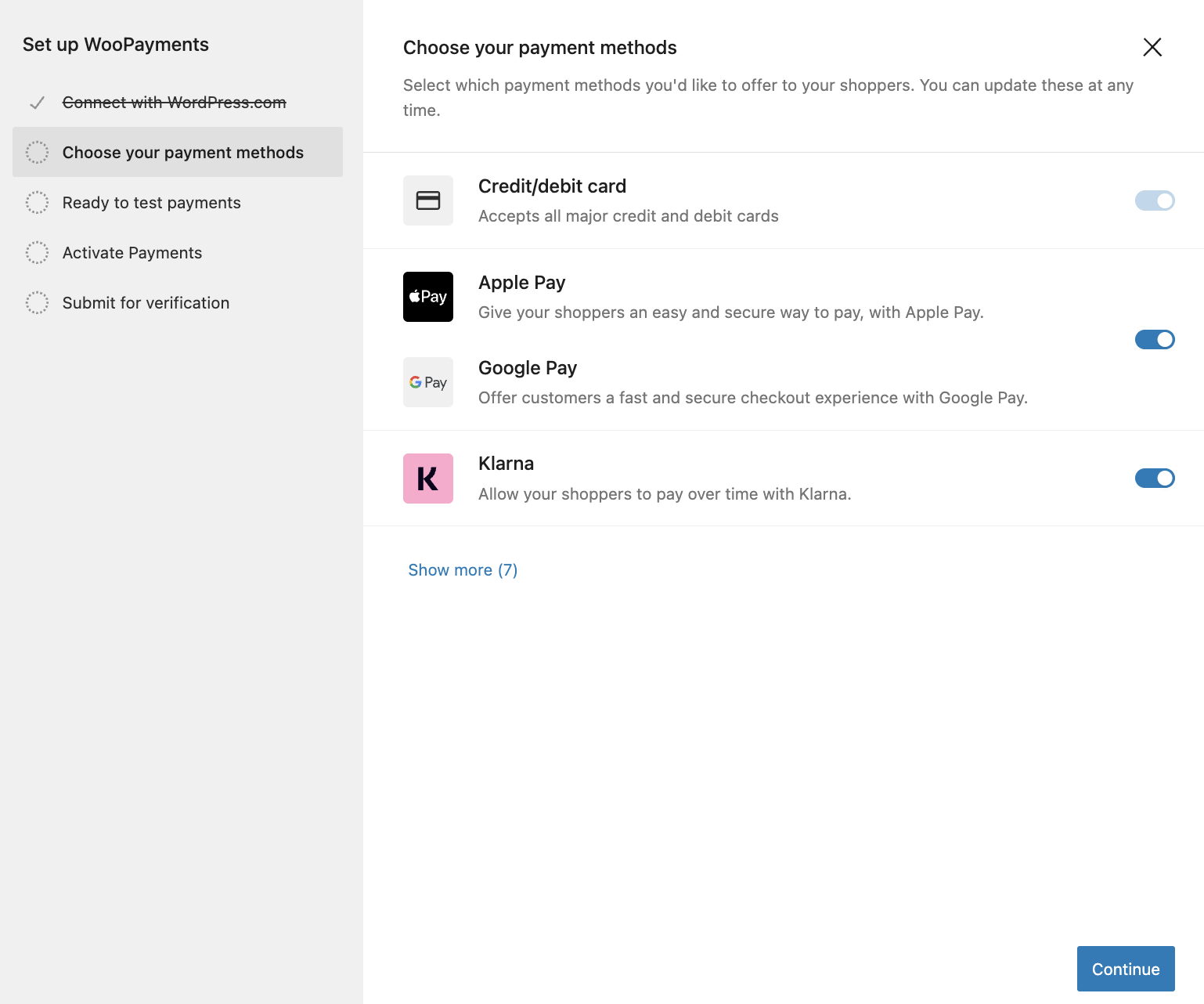
Enabling Klarna in WooPayments
Klarna is not turned on for every WooPayments account. Open Payments → Settings → Buy now, pay later and enable Klarna there. Some accounts must submit more information before Klarna activates. You will see a prompt, or an alert next to the payment method, when further details are needed. After these details are verified, Klarna is enabled.
Which Klarna payment options are available to you depends on the country you chose when you signed up for WooPayments. WooCommerce documents the country table in Buy now, pay later with WooPayments.

Klarna in payments settings in WooPayments
If you see the notification in the image above, this means you already have Klarna enabled through another plugin. We recommend to only have Klarna enabled as a payment method through one plugin to avoid customer confusion. However, you can still use the official Klarna plugin to boost your sales further by enabling On-Site Messaging, Sign in with Klarna and Express Checkout.
Jump to section...