

Install Klarna module
This section covers the two methods to install the Klarna Official module on your PrestaShop store and how to locate it afterwards.
2 min read
Installation
You can install the module using the PrestaShop Modules Manager (recommended for most merchants) or manually via FTP (for technical users).
PrestaShop Modules Manager
- 1.Log in to the Back Office.
- 2.Go to Modules > Module Manager.
- 3.Select Upload a module to open the dialog box.
- 4.Drag and drop the
klarnapayments.file into the box, or select the file from your computer.zip - 5.When the "Module installed!" success message appears, select Configure to immediately access the settings .
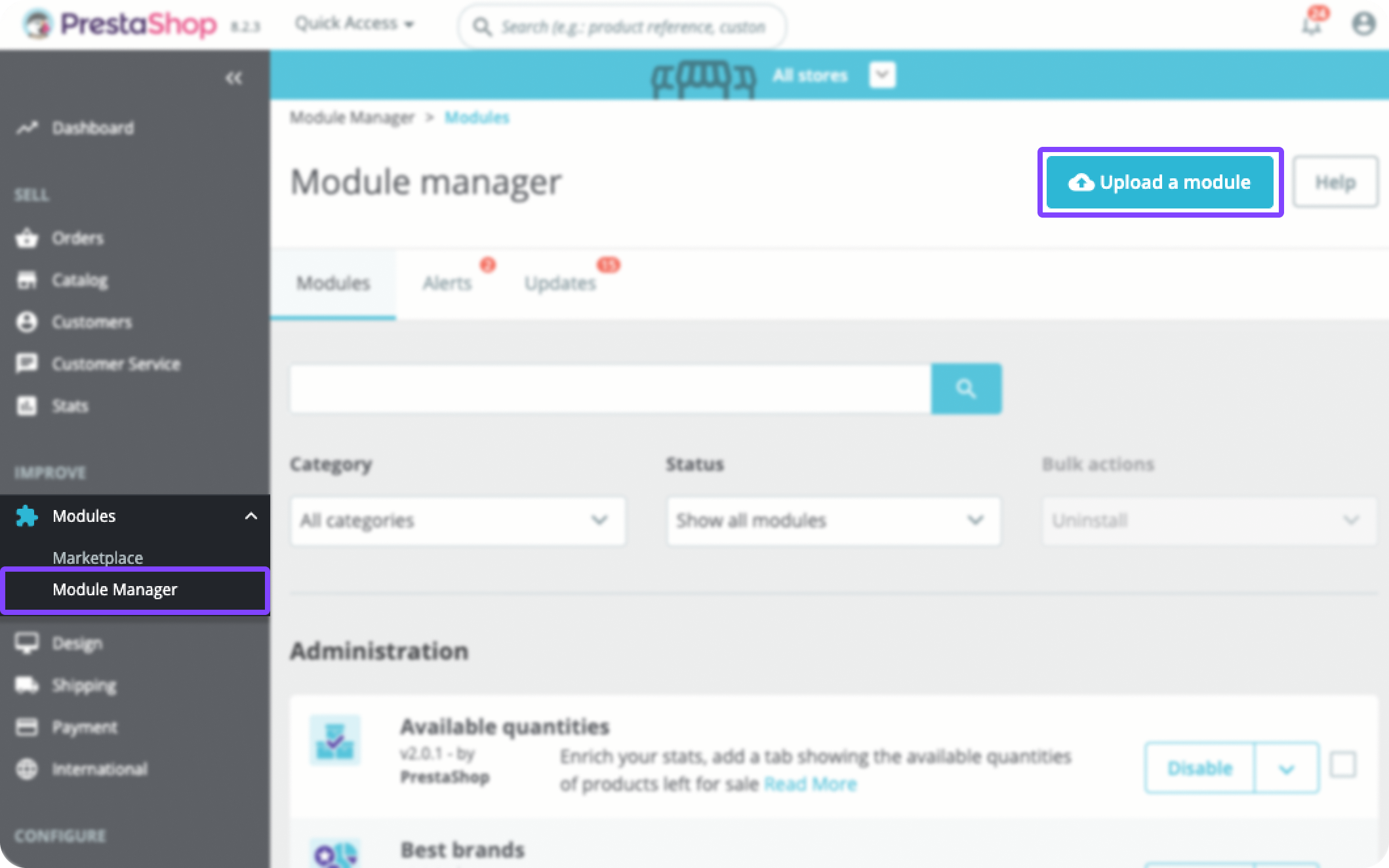
Uploading the klarnapayments.zip file in the Module Manager
FTP
- 1.Download the
klarnapayments.file to your computer.zip - 2.Extract the archive.
- 3.Use an FTP client to upload the
klarnapaymentsfolder into your PrestaShopmodulesdirectory . - 4.Log in to the Back Office.
- 5.Go to Modules > Module Catalog.
- 6.Enter "Klarna" in the search bar.
- 7.Select Install.
How to find the module
After the initial installation, you can access the module configuration at any time.
- 1.Go to Modules > Module Manager.
- 2.Enter "Klarna" in the search field.
- 3.Find Klarna Official in the list and select Configure.
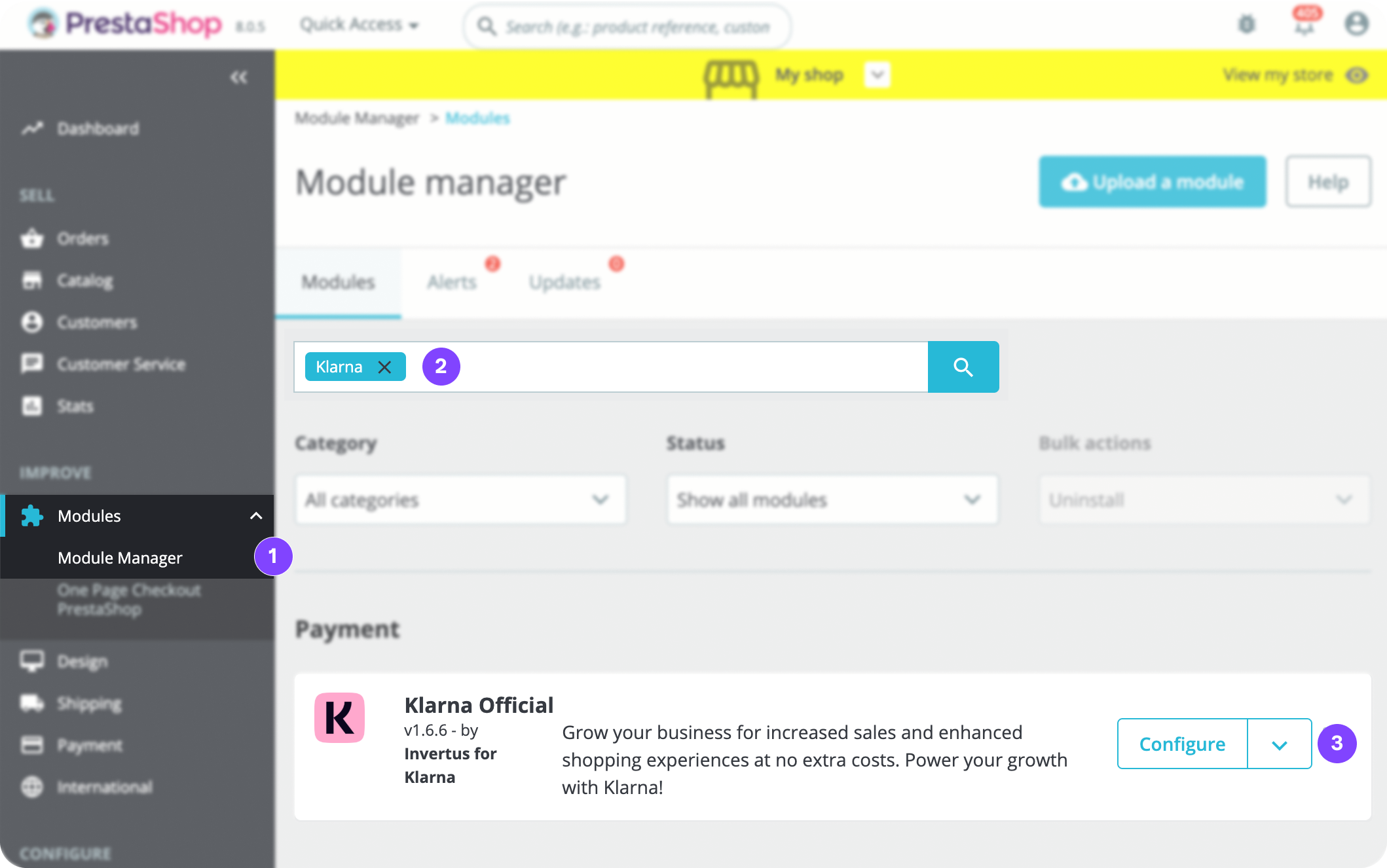
Selecting Configure on the Klarna Official module
Jump to section...