

Homepage
Klarna Partner Portal lets you manage your account, orders, reports, and marketing, with access varying by onboarding.
Klarna Partner Portal is the online platform where you will be able to manage all of the details associated with your Klarna account, from managing orders, downloading settlement reports, searching for marketing assets or displaying the on-site messaging on your platform.
Depending on how you were onboarded to Klarna, you might not be able to see all the apps available within the portal.
Overview
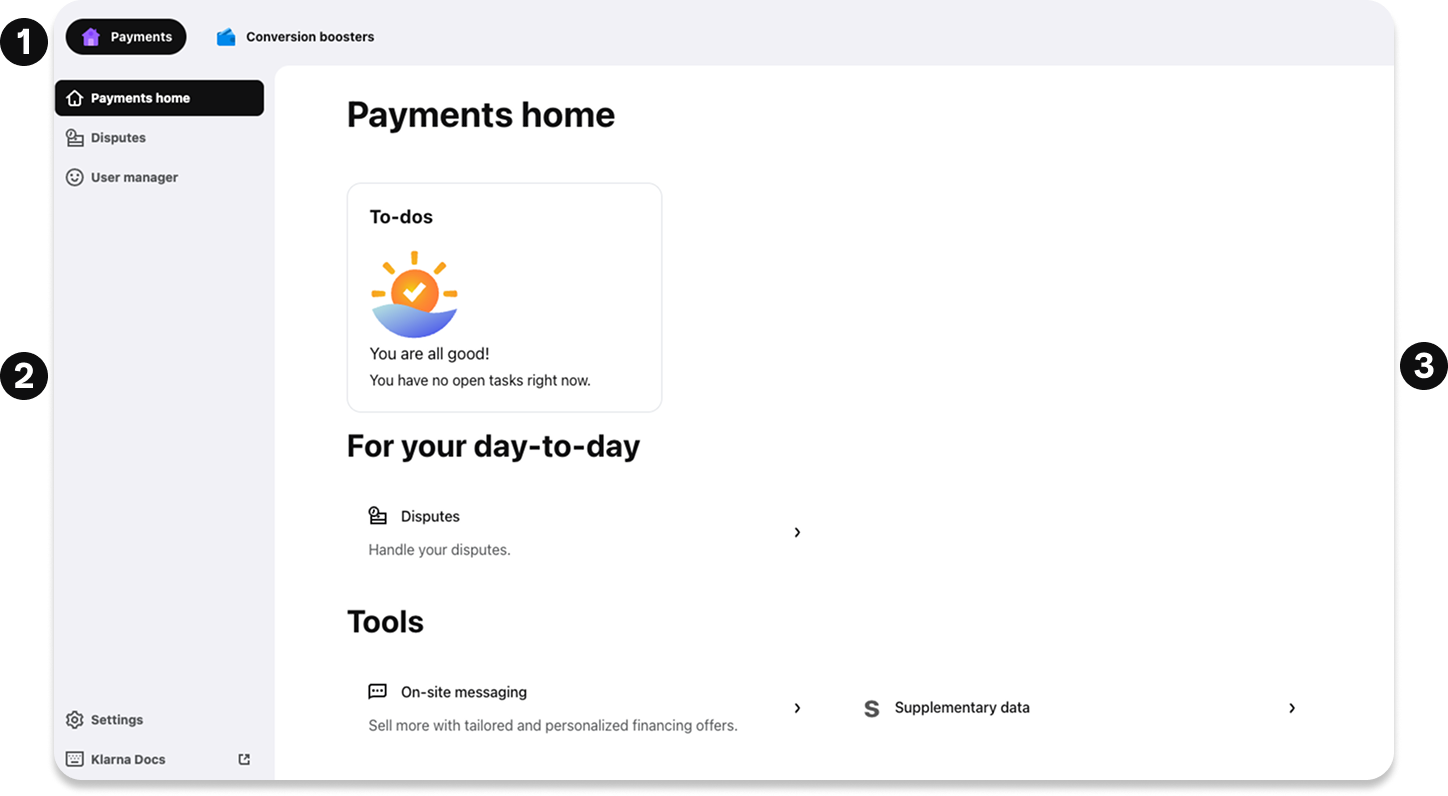
Access to Klarna Partner Portal tools are enabled via 3 main areas as highlighted in the following image:
- 1.Top bar
- 2.Side menu
- 3.**Main page **
Top bar
The top bar in the portal will allow you to access additional features based on business areas, as well as a self-service help tool.

Payments
This section will enable you to:
- Handle disputes.
- Generate new users.
Conversion boosters
This section will enable you to:
- Configure your Brand in Klarna's ecosystems.
- Activate On-site Messaging.
- Activate Express checkout.
- Activate Sign in with Klarna.
- Enable Supplementary Purchase Data.
Learn more about it here.
Profile
The last option available in this area will be labeled with the username. From here, you will be able to update your preferred setup for language and timezone and access your Profile settings.
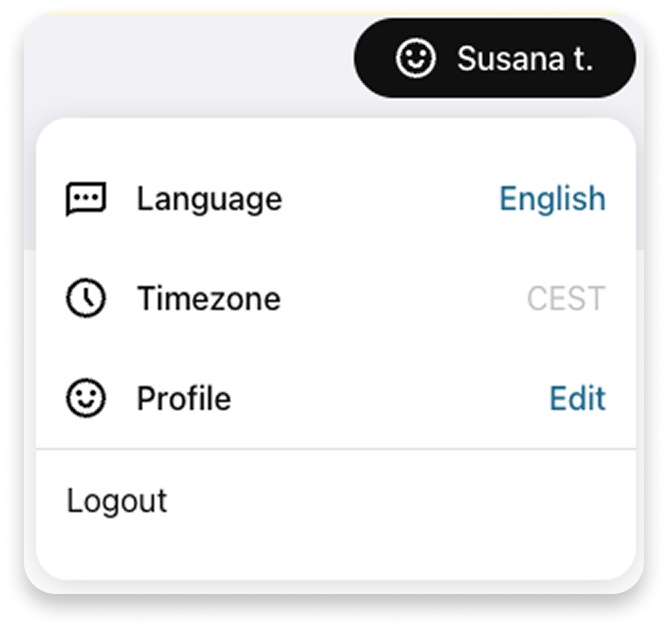
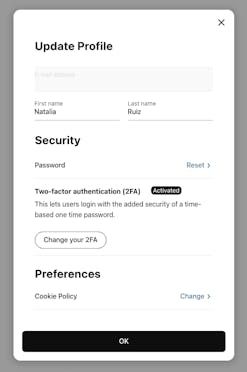
The Profile section is where you can update your name, reset password, update the two-factor authentication method and review the Cookie Policy.
Side menu
Apps
In the grey column on the left, you will find various apps available for you in Klarna Partner Portal, such as Disputes, User manager, etc.
The apps available to you will vary based on your relationship with Klarna.
Support
The Support section provides access to our Partner Support team. You can reach them by sending an email with your request or issue, and they will respond as soon as possible.
Settings
Access this section to manage all settings related to your account. More info here.
API credentials, SFTP credentials and bank account details are sensitive data, please share them always in a secure way.
Klarna Docs
Enables direct access to Klarna public technical documentation.
Main page
In the home page, you will instantly see a summary of your account within the payments, conversion boosters, or growth marketing sections.
Terms and conditions
Lastly, in the footer of Klarna Partner Portal there will be always available a link to Klarna Partner Portal terms and conditions. You can also see them here.
Get support
At the bottom left corner, you will find the Get Support button, which is a self-service feature inside the Klarna Partner Portal that provides support and guidance on how to use all features and related topics.
Related articles