

Install Klarna module
This section covers the two methods to install the Klarna Official module on your PrestaShop store and how to locate it afterwards.
Installation
You can install the module using the PrestaShop Modules Manager (recommended for most merchants) or manually via FTP (for technical users).
PrestaShop Modules Manager
- Log in to the Back Office.
- Go to Modules > Module Manager.
- Select Upload a module to open the dialog box.
- Drag and drop the
klarnapayments.zipfile into the box, or select the file from your computer. - When the "Module installed!" success message appears, select Configure to immediately access the settings .
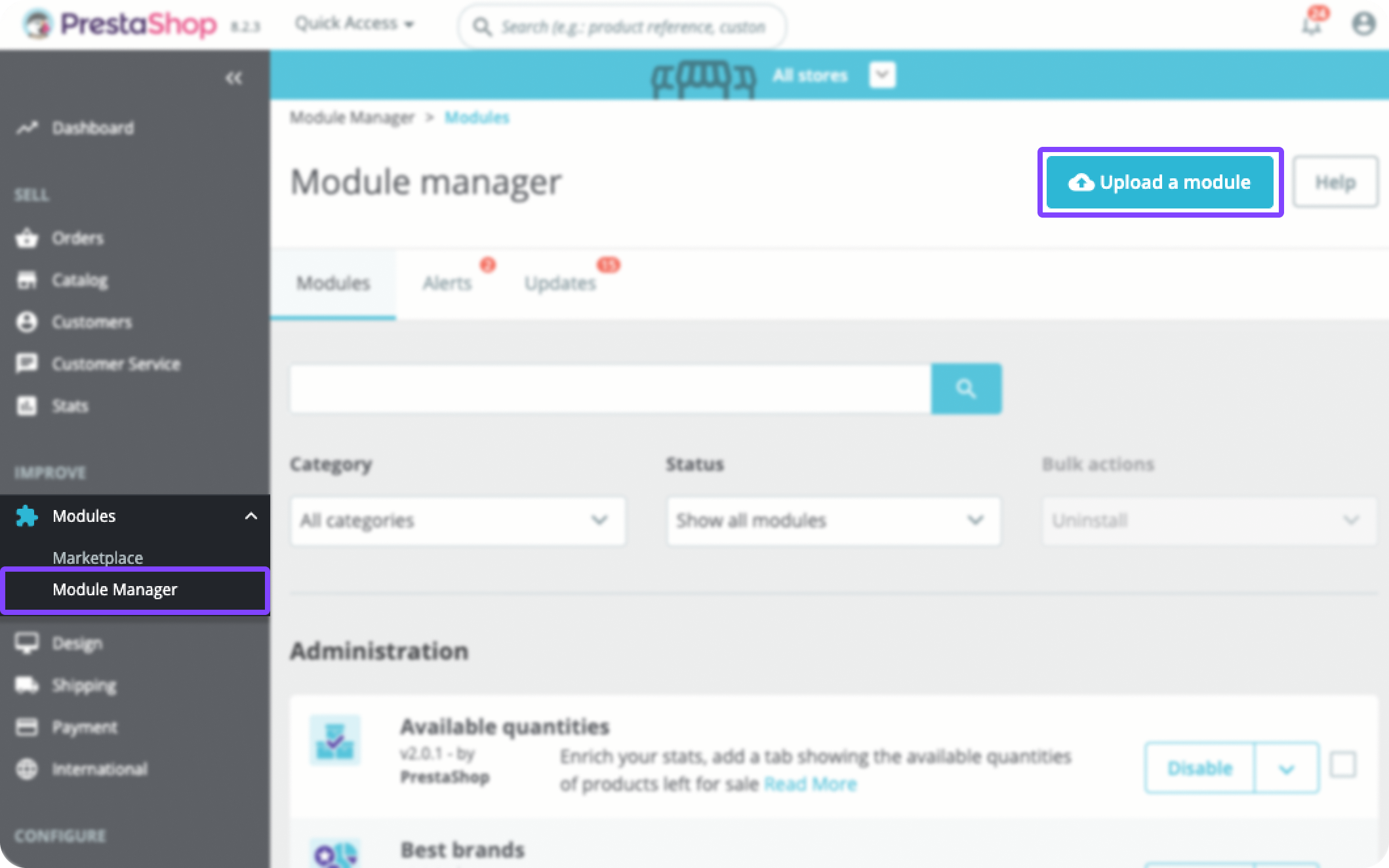
Uploading the klarnapayments.zip file in the Module Manager
FTP
- Download the
klarnapayments.zipfile to your computer. - Extract the archive.
- Use an FTP client to upload the
klarnapaymentsfolder into your PrestaShopmodulesdirectory . - Log in to the Back Office.
- Go to Modules > Module Catalog.
- Enter "Klarna" in the search bar.
- Select Install.
How to find the module
After the initial installation, you can access the module configuration at any time.
- Go to Modules > Module Manager.
- Enter "Klarna" in the search field.
- Find Klarna Official in the list and select Configure.
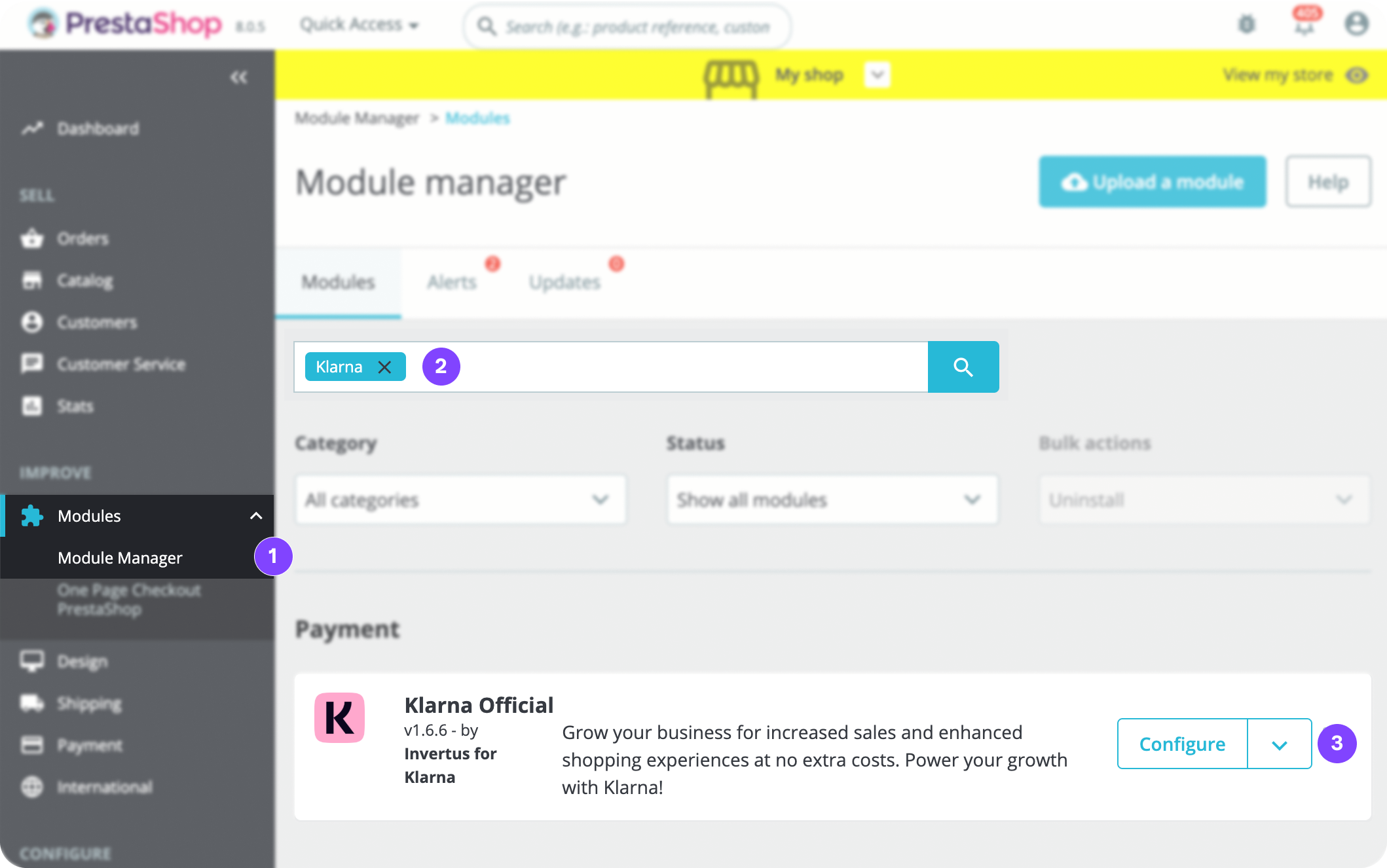
Selecting Configure on the Klarna Official module